
Transform Your Space into the Ultimate Gamerhouse

Creating the perfect gaming room design is more than just setting up a desk and a monitor. It’s about crafting an immersive environment that enhances your gaming experience and reflects your personality. Whether you’re a casual player or a competitive gamer, transforming your space into the ultimate gaming room can boost your focus, comfort, and enjoyment. This guide will walk you through practical steps and ideas to help you design a gaming room that’s both functional and stylish.
Essential Elements of Gaming Room Design
When planning your gaming room design, start with the basics. The right setup can make a huge difference in your gameplay and comfort.
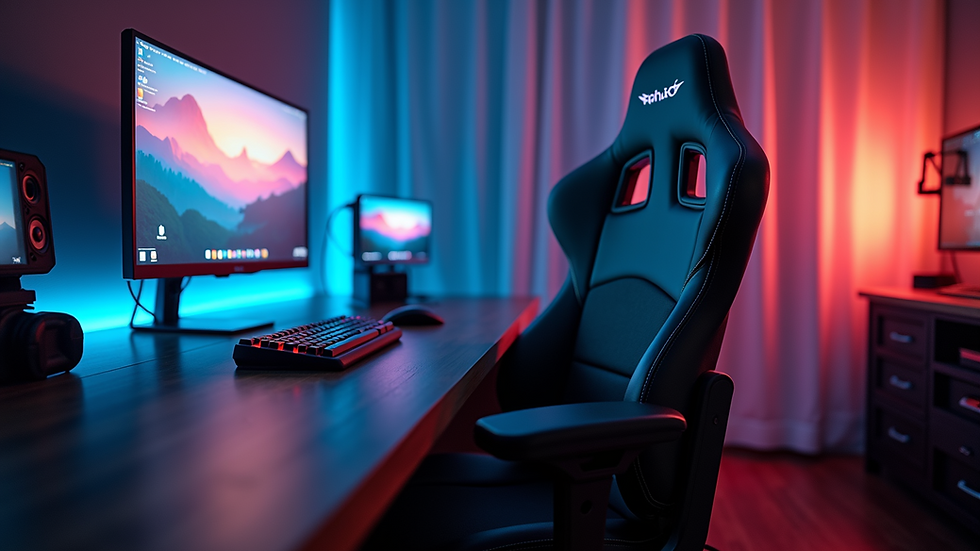
Ergonomic Furniture: Invest in a good gaming chair and desk. Look for chairs with adjustable height, lumbar support, and comfortable padding. Desks should have enough surface area for your monitor, keyboard, mouse, and other accessories.
Lighting: Proper lighting reduces eye strain and sets the mood. Use adjustable LED lights or smart bulbs that can change colors. Avoid harsh overhead lights and consider bias lighting behind your monitor.
Soundproofing: If possible, add soundproofing panels or thick curtains to minimize noise distractions. Good acoustics improve your audio experience and keep your gaming sessions immersive.
Cable Management: Keep cables organized with clips, sleeves, or under-desk trays. A clutter-free space looks cleaner and prevents accidental disconnections.
Display Setup: Choose a monitor or multiple monitors with high refresh rates and low response times. Position them at eye level to avoid neck strain.
Creative Ideas for Gaming Room Design
Once the essentials are in place, it’s time to add personality and creativity to your gaming room design. Here are some ideas to make your space unique:
Themed Decor: Pick a theme based on your favorite game, genre, or color scheme. Use posters, wall decals, and collectibles to bring the theme to life.
Ambient Lighting: Use RGB strips along shelves, desks, or behind monitors. Sync lighting with your games for dynamic effects.
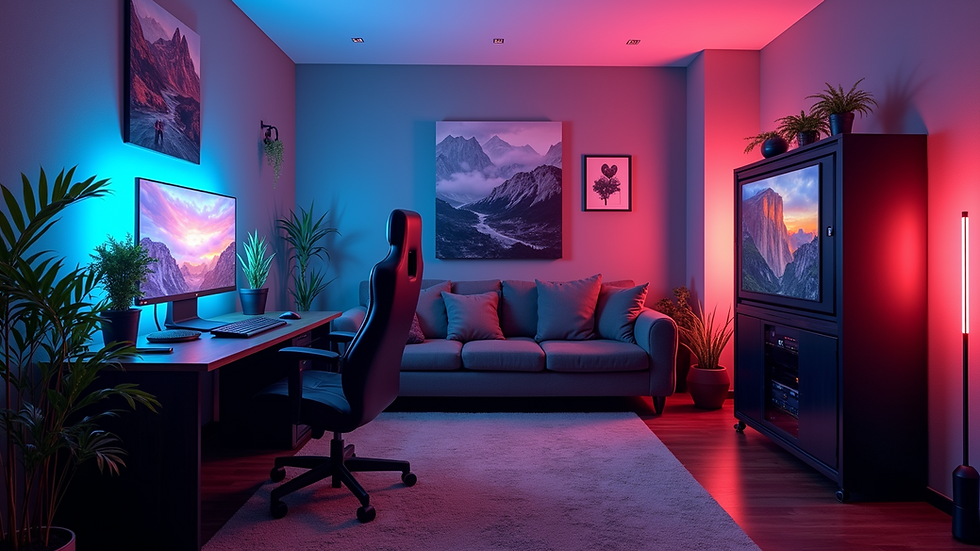
Comfort Zones: Add a bean bag, recliner, or small sofa for casual gaming or streaming sessions with friends.
Storage Solutions: Use shelves, drawers, or display cases to organize games, controllers, and accessories neatly.
Tech Upgrades: Consider adding a VR setup, gaming console station, or a high-quality sound system for a multi-platform experience.
Does GameHouse still exist?
GameHouse was once a popular name in the casual gaming community, known for its wide range of downloadable and online games. While the brand has evolved over the years, it still exists but has shifted focus. The company now emphasizes mobile and social gaming platforms, adapting to the changing gaming landscape. For those interested in gaming gear and setups, platforms like gamerhouse offer a variety of products to help you build your dream gaming space.
Optimizing Your Gaming Room for Performance
Performance is key in any gaming room design. Here are some tips to optimize your space for the best gaming results:
Internet Connectivity: Use a wired Ethernet connection for stable and fast internet. If that’s not possible, invest in a high-quality Wi-Fi router.
Cooling and Ventilation: Gaming equipment generates heat. Ensure your room has good airflow or use fans and air conditioning to keep temperatures comfortable.
Monitor Placement: Position your monitor about an arm’s length away and at eye level. This reduces eye and neck strain during long sessions.
Keyboard and Mouse Setup: Use a large mouse pad and position your keyboard and mouse for easy reach and comfort.
Backup Power: Consider a UPS (Uninterruptible Power Supply) to protect your equipment from power surges and outages.
Personalizing Your Gaming Room Design
Your gaming room should be a reflection of your style and preferences. Here’s how to personalize it:
Wall Art and Posters: Choose prints of your favorite games, characters, or inspirational quotes.
Custom Furniture: Look for desks or shelves that match your style, whether modern, industrial, or minimalist.
Collectibles Display: Showcase your gaming memorabilia, action figures, or limited edition items.
Sound System: Add speakers or a headset stand to keep your audio gear organized and accessible.
Plants and Decor: Add some greenery or decorative items to soften the tech-heavy environment and make it more inviting.
By combining functionality with personal touches, your gaming room will be a space you love spending time in.
Final Tips for Building Your Ultimate Gaming Room
Building the ultimate gaming room design is a journey. Start small and upgrade over time. Prioritize comfort and performance, then add style and personality. Remember to keep your space organized and clutter-free to maintain focus. Whether you’re streaming, competing, or just relaxing, a well-designed gaming room can elevate your experience.
For those looking to source quality gaming furniture and accessories, gamerhouse is a great place to explore options tailored for gamers.
With these tips and ideas, you’re ready to transform your space into the ultimate gaming room that meets your needs and inspires your best gameplay.


Comments